
Every offer for UPDF - PDF Editor All Platforms for Individuals
1 listed, 1 active when last checked, best first
| From | Price / value | Term | Status | Get deal |
|---|---|---|---|---|
 AppSumoBest | $95 | Lifetime | Active | Get deal |
Listing data from AppSumo · checked · View on AppSumo
What UPDF - PDF Editor All Platforms for Individuals is
A short summary of the source listing
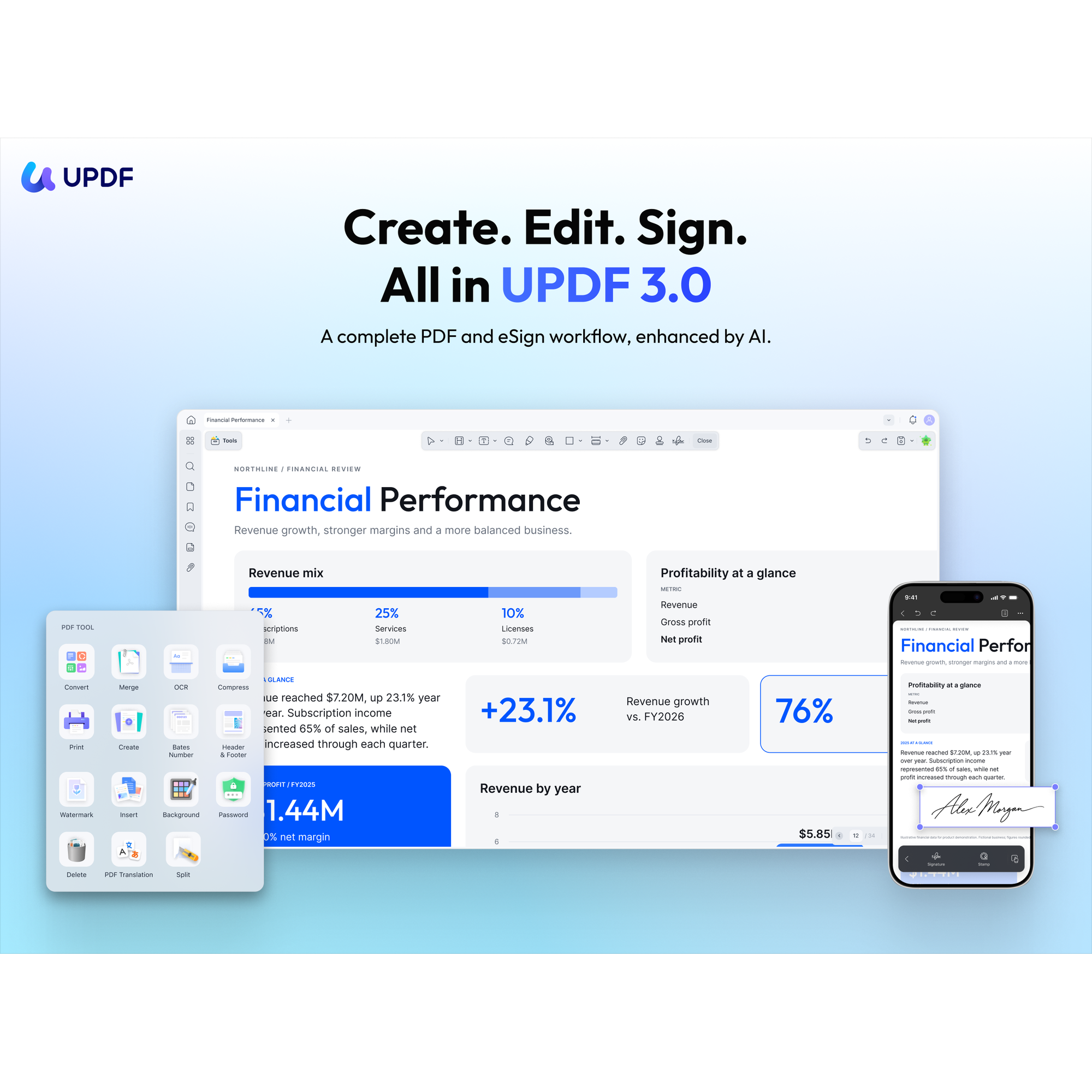
Handle your entire document workflow in one app—from editing and AI-powered understanding to sending, signing, and tracking—without switching between separate PDF, AI, and eSign tools.
Listing data from AppSumo · checked · View on AppSumo
Facts and terms
Stated by the vendor or the platform
Platforms
- Windows
- Mac
- Android
- iOS
Integrations
- ChatGPT
Refund window
60 days, as stated on the listing.
Who it is for
- Consultants
- Educators
- Small businesses
Questions the listing answers
Quoted from AppSumo, not written by us
What is UPDF?
UPDF is a complete PDF solution to meet all your PDF requirements across Mac, Windows, iOS, and Android. It is a versatile tool with features such as editing, annotations, converting, and page organizing, and more exciting features will be added with each new version.
Is UPDF free?
Yes, UPDF for Windows and Mac has a free version as well as premium plans. To use the free version, users need to sign up for an account and log in. Please note that there are limitations to the free version. 1.The trial version limits OCR to 5 uses. 2.The free version will add watermarks automatically when saving the file. 3.Conversion is limited up to twice a day. 4.Batch processing can only handle two files. 5.Only one template can be added on watermark, header and footer, and background separately. 6.The UPDF Cloud trial version includes 1GB of storage space with a limit of 10MB for a single file. (Upgrade to Yearly UPDF Pro to get 10GB storage space with 2GB max per file for uploading. Upgrade to Lifetime UPDF Pro to get permanent 2GB storage space with 2GB max per file for uploading.)
What are the differences between the UPDF for Mac website and the App Store version?
Two major differences exist in both directions taken for downloading UPDF on your Mac. Firstly, the website version provides the dedicated OCR feature on the tool, while the App Store version does not have this function available. Another difference in both versions is the quick and frequent upgradation of the website version, which makes it a superior option. (Note: Currently, the Mac with Intel chip version doesn't release the OCR feature yet.)
What language does UPDF work in?
UPDF is available in English, French, German, Italian, Spanish, Portuguese, Russian, Chinese (Traditional), Chinese (Simplified), Japanese, Dutch, and Korean.
What system does UPDF support?
UPDF is available for Mac, Windows, iOS, and Android currently. (Please note that the mobile app features are different from the desktop features. Check the tech spec page to learn more.)
How safe is UPDF? Will my files be stored?
Unlike online tools, UPDF is a desktop software for Mac and Windows, so you don't need to upload any file to the Internet. Your files are safe on your local storage.
Listing data from AppSumo · checked · View on AppSumo
More Productivity deals
Other products in the same category with an active offer

ApproveMe’s Ultimate Contract Template Library
Legally Bound


Power User
Productivity Solution for PowerPoint, Excel & Word (Free Deal)

TextSniper
Extract text from images & other digital documents in seconds